Tutoring Business Scheduling and Billing: A System That Prevents Admin Chaos

Tutoring Business Scheduling and Billing: A System That Prevents Admin Chaos
Quick answer: A strong tutoring business should not treat scheduling, cancellations, attendance, and billing as separate administrative jobs. They are one workflow. The cleanest system is: define the policy before booking, automate reminders, record what actually happened, and let that attendance record drive the invoice or package balance. |
When these steps live in different spreadsheets, calendars, inboxes, and payment tools, every exception creates manual work. A parent reschedules. A tutor forgets to mark a session. An invoice includes the wrong number of hours. The business owner becomes the person reconciling four versions of reality.
This is one reason growing tutoring businesses eventually need more than a calendar. Evallo’s guide on how to run a tutoring business makes the same broader point: disconnected systems become operational bottlenecks as student and tutor counts rise.
What a Tutoring Scheduling and Billing System Actually Needs to Do
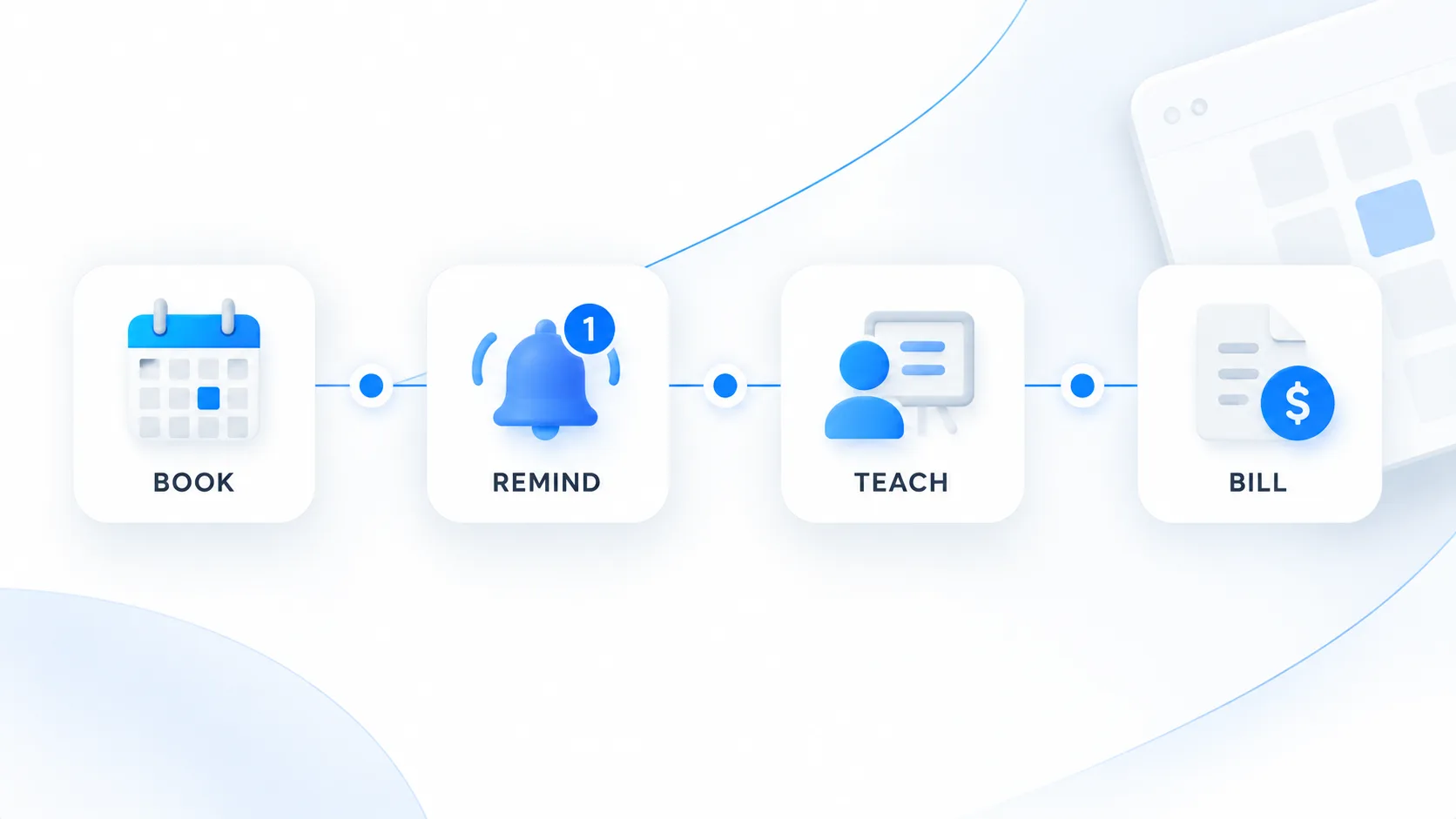
The objective is not maximum automation. It is a reliable chain of evidence from booking to payment. Every scheduled session should have a clear status, every status should have a billing consequence, and families should know the rules before an exception happens.
Workflow stage | System of record | What should happen next |
|---|---|---|
Booking | Calendar / session record | Apply the correct service, tutor, duration, rate, and cancellation policy. |
Before session | Reminder workflow | Send the family the time, meeting details, and an easy path to request a change. |
After session | Attendance status | Mark completed, cancelled, late-cancelled, no-show, or rescheduled. |
Billing | Invoice / package ledger | Charge or deduct according to the recorded status and policy. |
Follow-up | Accounts receivable / family record | Track unpaid balances, credits, refunds, or exceptions without editing history. |
1. Write the Cancellation Policy Before You Automate Anything
Automation cannot fix an ambiguous policy. Decide, in plain language, how much notice is required, what counts as a late cancellation, whether missed sessions are charged, how emergencies are handled, and whether families receive a credit, reschedule, or refund.
The important operational principle is consistency. If two administrators would make different billing decisions from the same attendance record, the policy is not yet precise enough.
For recurring or automatically renewed services, billing terms and cancellation mechanics also have consumer-protection implications. The FTC’s consumer guidance on auto-renewals and negative-option subscriptions emphasizes clear terms, consent, and a straightforward cancellation path. The exact legal requirements depend on your jurisdiction and business model, so tutoring businesses should treat this as an operational baseline rather than legal advice.
2. Make Booking Data Complete Enough to Bill From
A session record should contain enough information that an administrator can understand the commercial event without opening another system: student, tutor, service, start time, duration, billing rate or package, location or meeting link, and status.
If rates vary by service or tutor, define those rates once rather than retyping them on every invoice. Evallo’s documentation on adding services and rates shows the underlying idea: service definitions can connect scheduling with billing and tutor compensation.
3. Use Reminders to Prevent Avoidable Exceptions
Tutoring-specific reminder research is limited, so it would be careless to invent a tutoring no-show percentage. But reminder systems are well studied in other appointment-based services. A Cochrane review found low-to-moderate quality evidence that mobile text reminders improve attendance compared with no reminders or postal reminders, with effects similar to telephone reminders in the included studies.
That evidence comes from healthcare rather than tutoring, so the exact effect size should not be transferred directly. Still, the operational lesson is useful: automated reminders can improve appointment attendance and are generally cheaper to deliver than manual phone calls.
For a tutoring business, a practical reminder sequence is usually simple: one reminder far enough in advance for the family to act, plus a shorter reminder close to the session. The message should include the session time, tutor, joining instructions, and the correct process for requesting a change. More messages are not automatically better.
4. Treat Attendance Status as Financial Data
The most important handoff happens immediately after the session. A calendar entry that merely says a session was scheduled is not enough. Billing should depend on what actually happened.
Completed: bill normally or deduct the package balance.
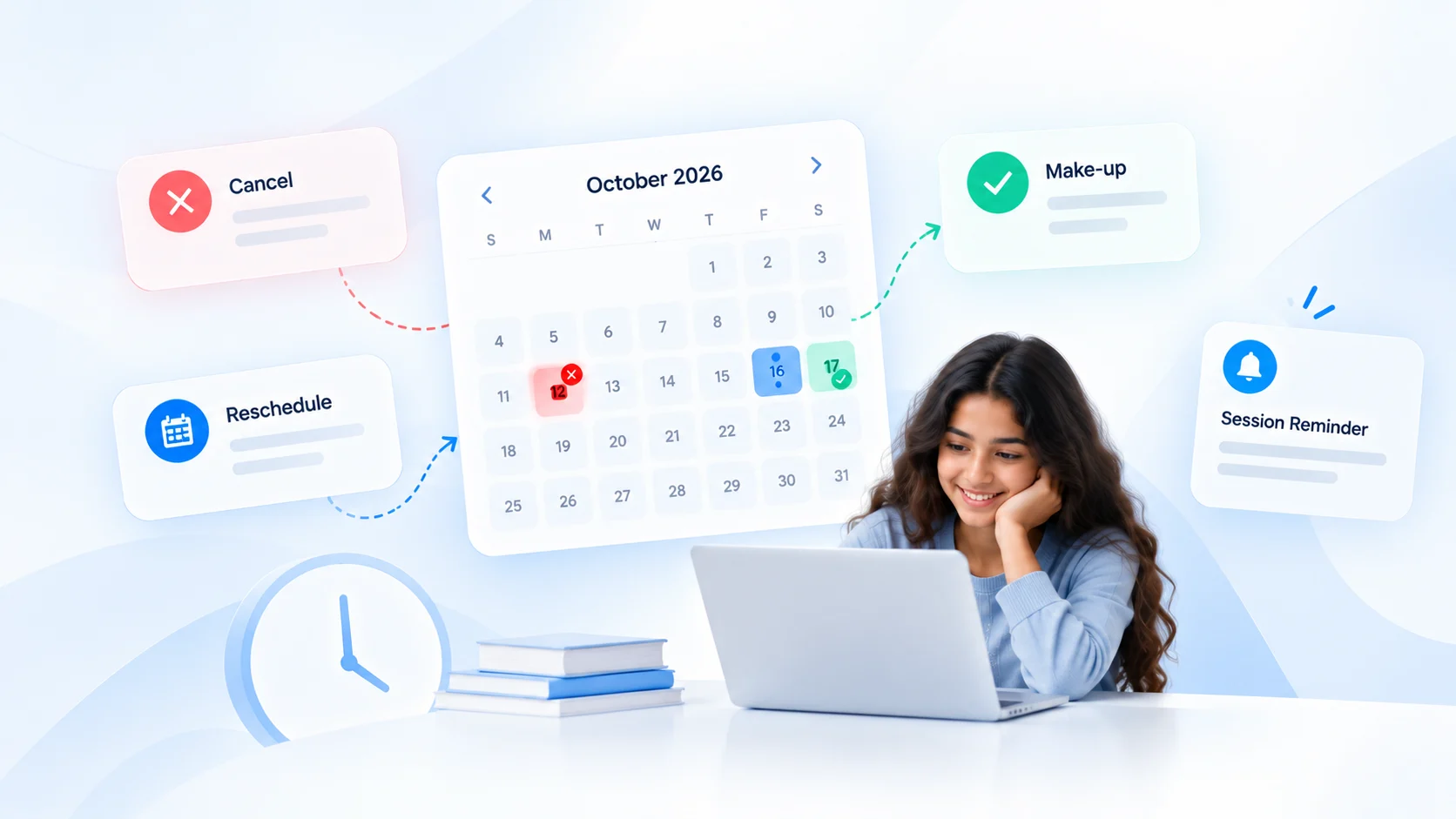
Cancelled within policy: no charge, reschedule, or apply the business’s stated rule.
Late cancellation: apply the documented late-cancellation rule.
No-show: apply the documented no-show rule and preserve the attendance record.
Rescheduled: move the service obligation without accidentally billing both the original and replacement session.
This is where many small tutoring businesses create silent revenue leakage: the tutor knows what happened, the calendar shows something else, and the invoice is prepared from memory at the end of the month.
5. Choose a Billing Model That Matches How You Deliver Tutoring
Session-based billing
Session-based billing works well when hours vary, families book irregularly, or services have different rates. The trade-off is that attendance records must be accurate before invoices are generated.
Packages and prepaid hours
Packages simplify collection but create a different control problem: every completed or chargeable session must reduce the correct balance, while cancellations and credits must be handled consistently.
Periodic invoicing
Weekly, biweekly, or monthly invoicing can be efficient for recurring clients if completed sessions are pulled into the billing cycle reliably.
For multi-family billing, bulk invoice generation can reduce repetitive invoice creation while still using completed session data as the basis for billing.
At the payment-infrastructure layer, Stripe’s recurring-payment documentation describes the two common collection patterns: automatically charging a saved payment method or sending an invoice with payment terms. The right choice for a tutoring business depends on its agreements, local rules, family expectations, and cash-flow model.
6. Separate Exceptions From the Normal Workflow
Good operations do not eliminate exceptions; they stop exceptions from corrupting the main system. A family emergency, disputed charge, scholarship adjustment, tutor error, or goodwill credit should be recorded as an explicit exception—not handled by silently changing the original session history.
Preserve the source record, then add the adjustment. That makes it possible to answer basic questions later: What was scheduled? What happened? What should have been charged? What adjustment did we make, and why?
7. Give Families One Consistent Experience
From the family’s perspective, scheduling and billing are part of the same relationship. A polished tutoring business should not send one cancellation rule by email, another on an invoice, and a third verbally during onboarding.
A connected operating model is the broader idea behind building a digital tutoring ecosystem: scheduling, billing, communication, and progress tracking become easier to manage when they share the same operational context.
A Simple Weekly Operations Audit
Once the system is running, a 15-minute weekly audit is more useful than a heroic month-end cleanup. Review:
Sessions completed but not marked with a final attendance status.
Late cancellations or no-shows without a documented billing outcome.
Rescheduled sessions that may have been counted twice.
Completed sessions not yet invoiced or deducted from packages.
Unpaid invoices that have crossed the business’s follow-up threshold.
Credits, refunds, or manual adjustments without a note explaining why.
Recurring clients whose rates or service definitions no longer match their current agreement.
For teams with several tutors, advanced invoicing workflows for multi-tutor businesses are most useful when they sit on top of this clean attendance and service data—not when automation is being used to compensate for inconsistent records.
Good candidates for automation | Keep a human decision |
|---|---|
Session reminders | Emergency-policy exceptions |
Recurring session creation | Disputed charges |
Invoice generation from completed sessions | Goodwill credits and unusual refunds |
Payment reminders | Changing a family’s commercial terms |
Package balance updates | Sensitive retention or relationship decisions |
FAQ: Tutoring Business Scheduling and Billing
Should tutoring businesses charge for late cancellations?
Many do, but the correct policy depends on the business model, local law, and what was clearly agreed with the family. The operational priority is to define the rule in advance and apply it consistently.
How far in advance should tutoring session reminders be sent?
There is no universal tutoring-specific optimum. A practical system usually gives families enough notice to act on the cancellation policy, then sends a shorter reminder closer to the session.
Should tutors create invoices manually after every session?
Not necessarily. If attendance and service data are reliable, invoices can be generated periodically or automatically. Manual review is still valuable for exceptions and disputed records.
What is the best billing model for a tutoring business?
There is no single best model. Session-based billing, packages, and periodic invoicing can all work. The best choice is the one that matches service delivery, cash-flow needs, family expectations, and the business’s ability to keep accurate records.
When does a tutoring business need integrated scheduling and billing software?
Usually when manual reconciliation becomes recurring work: multiple tutors, different rates, frequent reschedules, package balances, recurring invoices, or several disconnected systems are common signals.
Bottom Line
The best tutoring scheduling and billing system is not the one with the most automations. It is the one that creates a clean, auditable chain from booking to attendance to payment. Define the rules, collect complete booking data, use reminders intelligently, record the real session outcome, and make billing follow that record. Once that foundation is reliable, automation becomes genuinely useful instead of simply making mistakes faster.
Other Stories