This article covers the all families page, default billing settings, and viewing family history.
Managing families effectively involves:
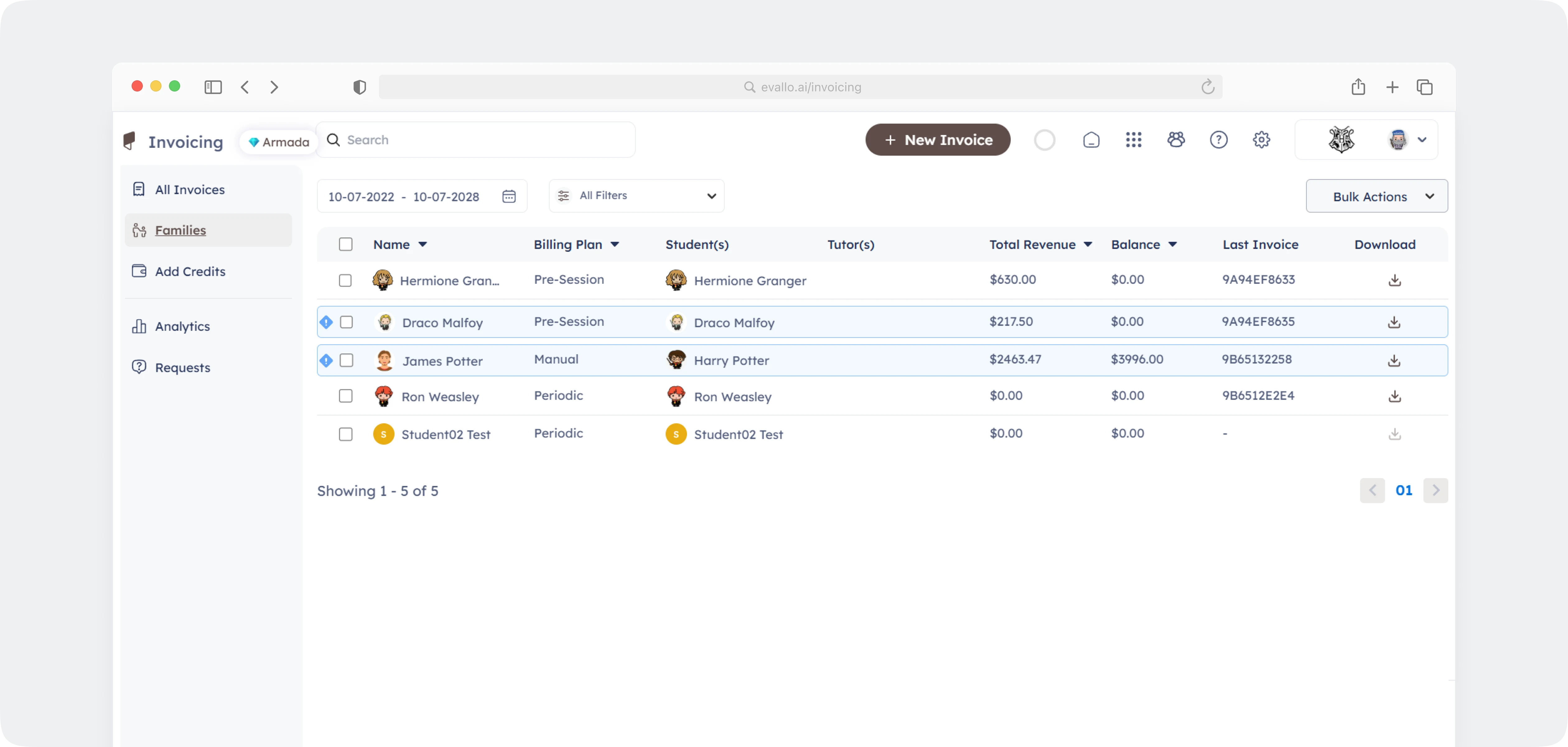
Using the All Families screen to search, filter, and access family details.
Configuring Family Defaults to define billing plans, payment methods, and credit usage.
Understanding dependencies—how changes in family settings affect invoicing, payment collection, and student sessions.
This guide walks you through every aspect of managing families, ensuring smooth billing and payment processes for both businesses and parents.


Example Scenario:
If a family switches from Pre-Session to Post-Session invoicing, their next invoice will only be generated AFTER a session is completed instead of before.
What Parents See in Their Portal
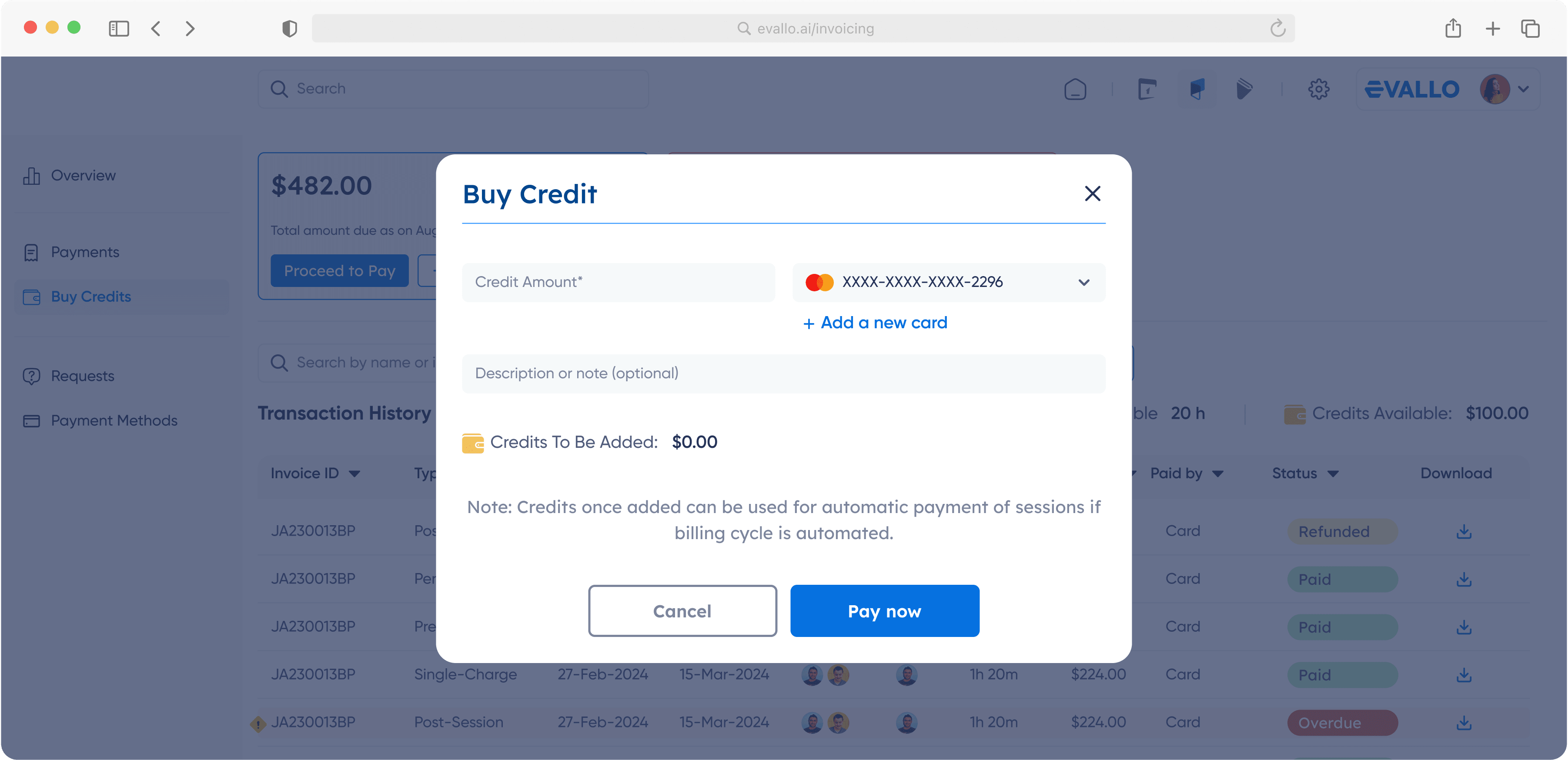
Once billing preferences are set, parents can view their family’s payment details from their portal. They can:
See their billing plan and payment method.
Check their invoice history and upcoming payments.
View whether auto-deduct is enabled or if manual payments are required.
See how credits or discounts are applied before making a payment.
Parents
cannotchange billing settings themselves—only admins can modify family preferences.
Best Practices for Managing Families
Regularly review family settings to ensure billing preferences align with expectations.
Ensure students are properly assigned to their family to prevent invoice errors.
Communicate payment policies with parents, especially if auto-deduct is enabled.
Monitor credit balances to prevent disruptions in billing.

Was this article helpful?
Yes
No